
Define the exercise
Choose the process, scope and participants. Agree what success looks like and what evidence the reviewer needs.
Labshock / OT Range
Run exercises around an industrial process. Investigate the network, work through objectives and review what your actions changed.
The exercise environment
Participants in an event work with the same industrial systems and process. A change to the plant can affect other participants. Identity, submitted answers and individual progress remain personal.
PLC and HMI/SCADA software communicate over industrial protocols. The physical process is simulated, so participants can examine the consequences of their decisions in the exercise environment.
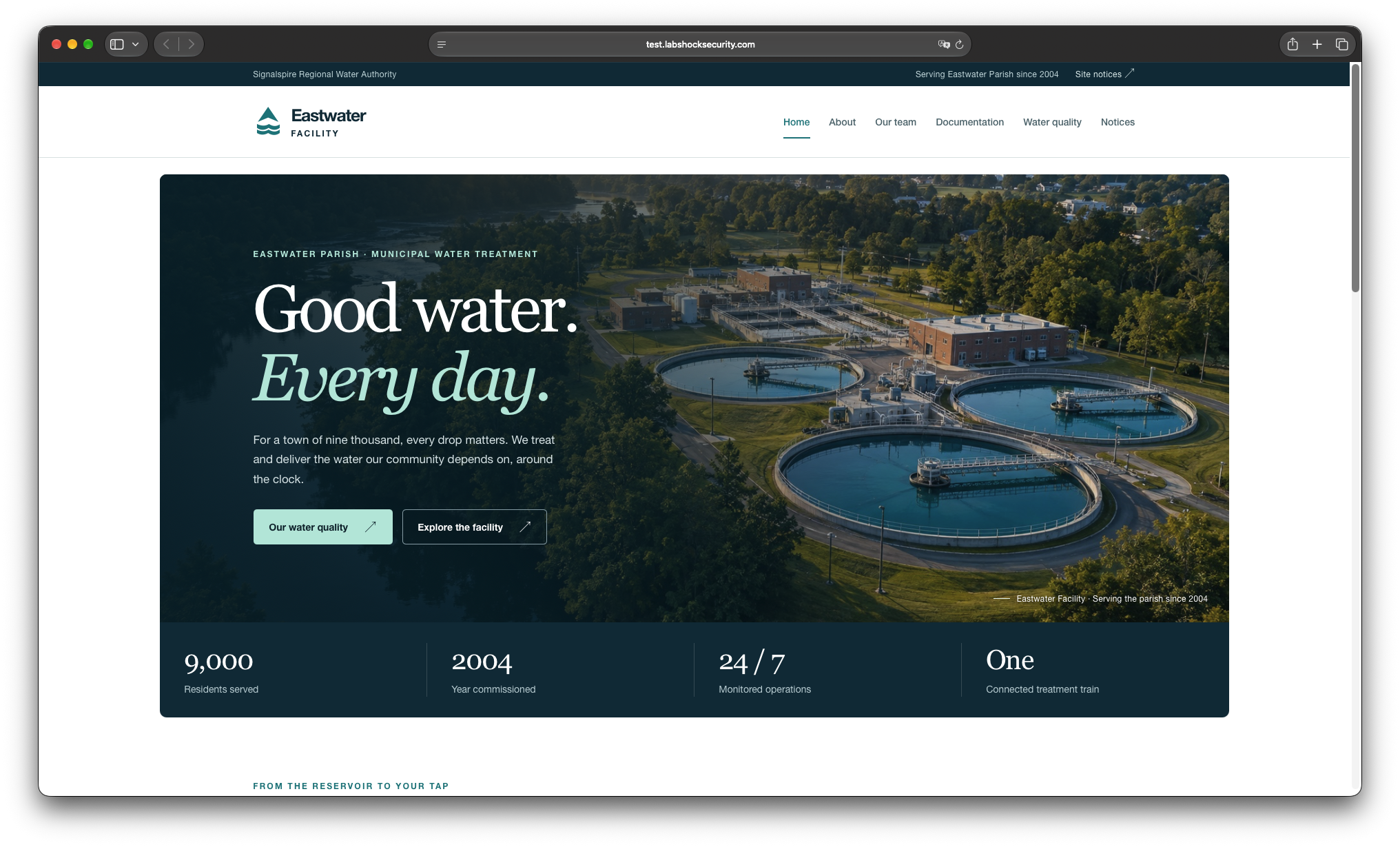
Participant access
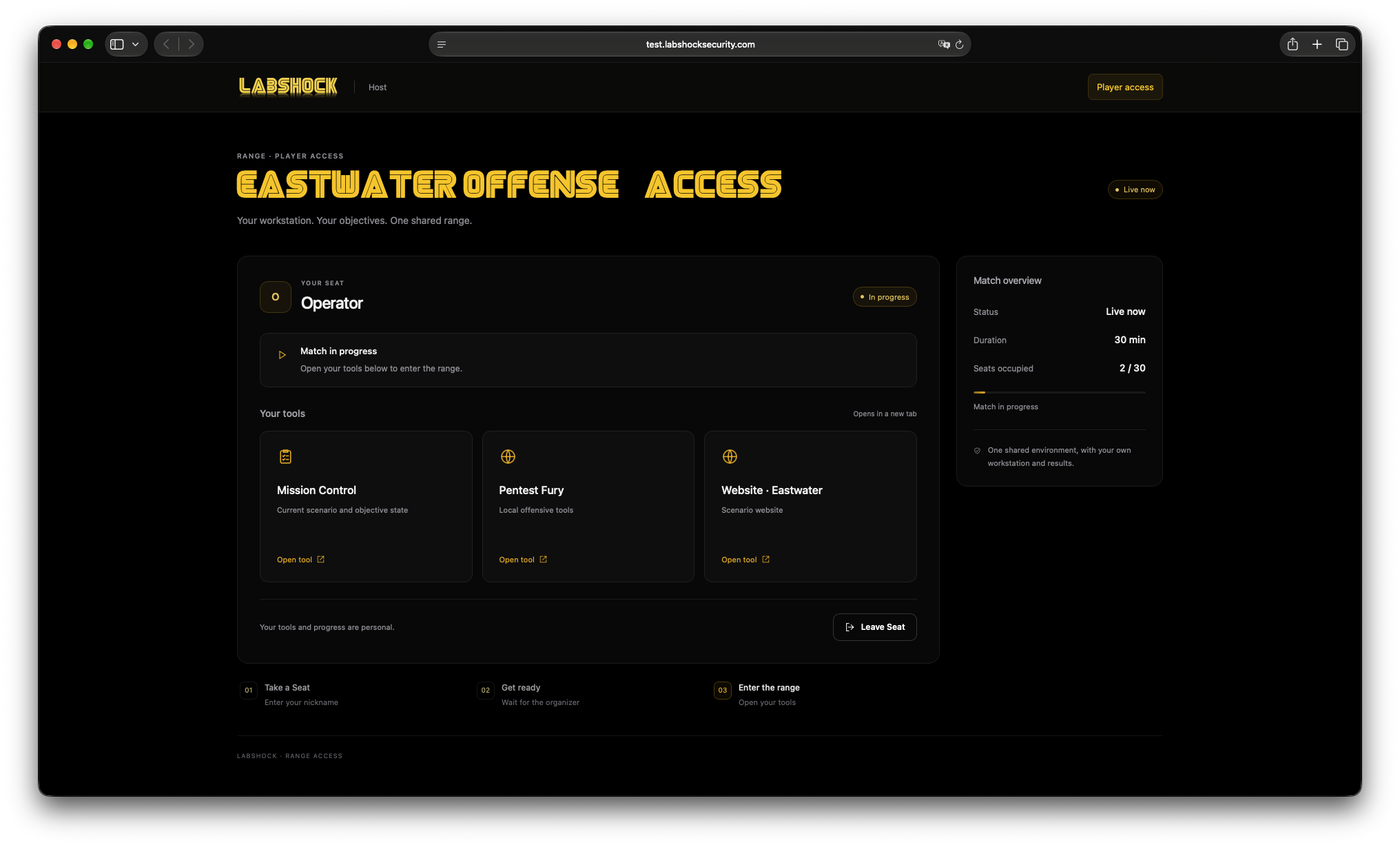
Open the event’s player access page to reach the tools and Mission Control available for your scenario. Your workstation and personal results sit alongside the shared exercise environment.
The event determines its duration, capacity and available tools. The screenshot shows one example event.
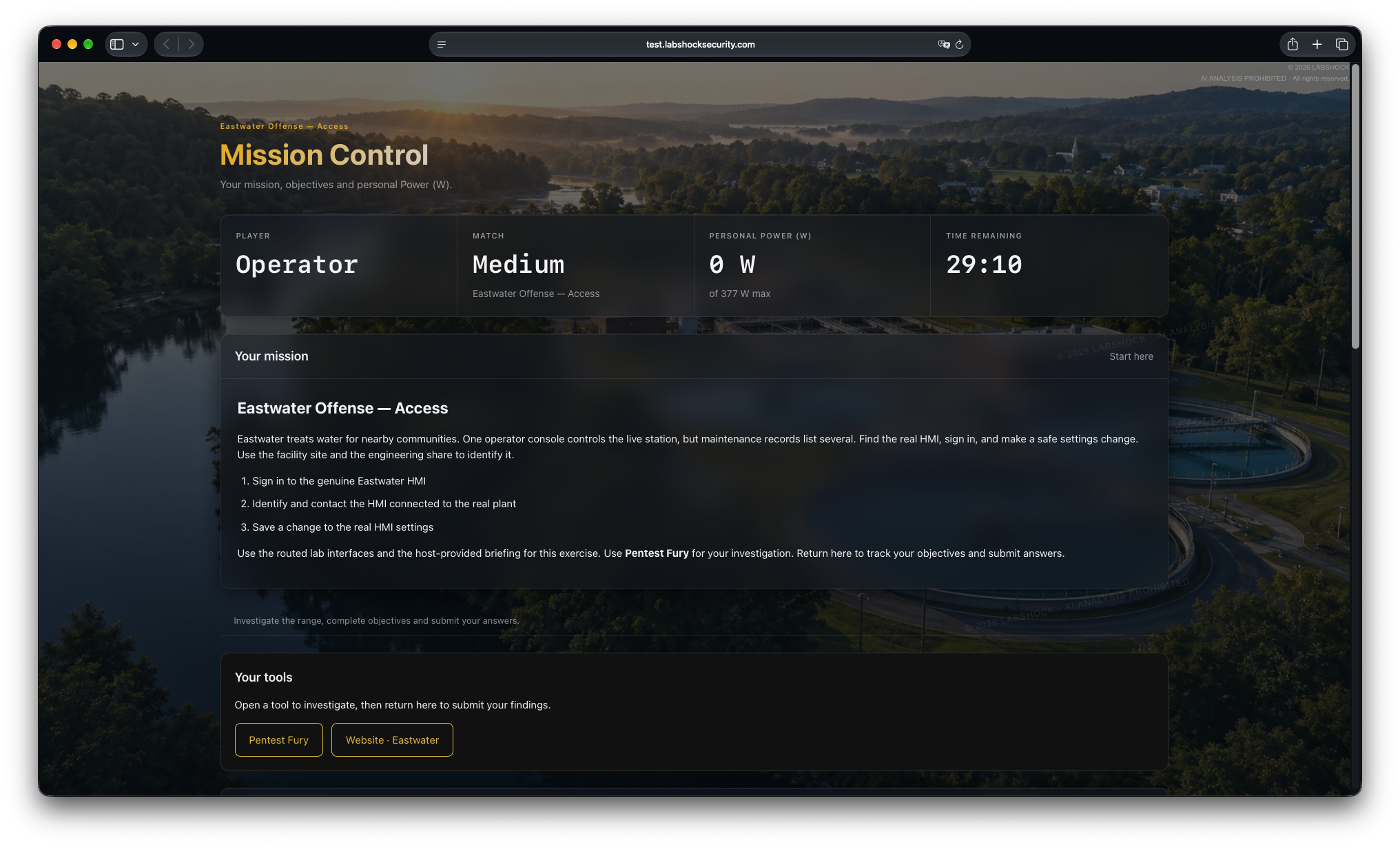
Mission Control
Read the briefing, work through the objectives and submit your findings. Mission Control brings the scenario and available progress information into the participant’s view.
Use objective checks and question results alongside process observations and evidence from your tools when reviewing the exercise.
A structured exercise programme
Use NIST SP 800-84 as a reference for organising the exercise. The lab provides the setting; organisers define the objectives, responsibilities and evaluation.
Choose the process, scope and participants. Agree what success looks like and what evidence the reviewer needs.
Set up the lab, briefing and objectives. Assign roles and check the environment before participants join.
Work through the exercise. Record decisions and observations alongside the available objectives and results.
Discuss the findings, assign follow-up actions and prepare the next exercise to check what changed.
Combine available platform results with observer notes and evidence from your tools. Organisers prepare the debrief and follow-up actions; completing an objective is one part of the assessment.
NIST CSF 2.0
Choose the cybersecurity outcomes you want to examine, then review the evidence against them. CSF 2.0 provides the framework; the exercise shows where more work is needed.
Use the findings to update skills, procedures, safeguards or the next scenario. Repeat the exercise to examine the change. This supports the improvement work described in CSF 2.0 ID.IM-02.
Scenarios and participation
Explore access paths and process impact, or investigate activity and protect the process. The scenario defines the role and objectives.
Join a scheduled event through Portal. Check the briefing, entry requirements and connection window for that event.
Build skills in World and Labs, then use exercise objectives and results to identify where you need more practice.
Team and team-versus-team formats are part of the range roadmap. Available participation modes are listed with each event.
For organisations
Connect the preparation in World, the environment in Labs and scenario authoring in Builder. Use each exercise to improve the next one.